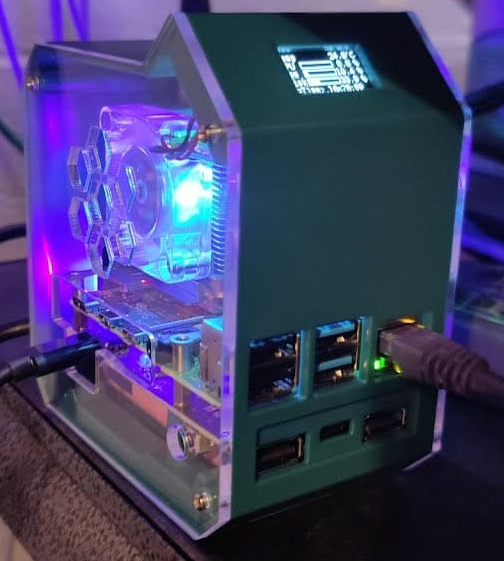
I've been using Pi-hole for longer than I can remember, and over the years, I’ve gradually handed it more and more responsibility in my network.
Primarily, I rely on Pi-hole for DNS services to block ads and trackers, but I also use it for DHCP management. This setup makes swapping out routers incredibly easy and helps keep my static devices consistent.
However, there’s been one recurring issue in my homelab: power outages. When my main UPS fails and power is lost, things get messy. When everything boots back up, there’s often a race condition where DHCP assignments and DNS routing aren’t available quickly enough. The result? Frustrating network chaos until everything catches up.
There are plenty of ways to tackle this problem, but I decided to go with a UPS solution for my Raspberry Pi-hole instance. The device and batteries were fairly inexpensive, but the setup process proved a bit tricky. Although the case came with basic instructions, I needed extra guidance to install the software supporting its full feature set.
Here’s what I did:
- To get the UPS working properly, you’ll need to install the appropriate code on your Pi-hole/Raspberry Pi instance.
GitHub repository for UPS setup - Next, set up the LED display.
GitHub repository for LED screen setup - Finally, experiment with sample scripts until you find a display style you like. Color-based and image-rich examples require higher-end OLED screens.
GitHub repository for advanced OLED displays
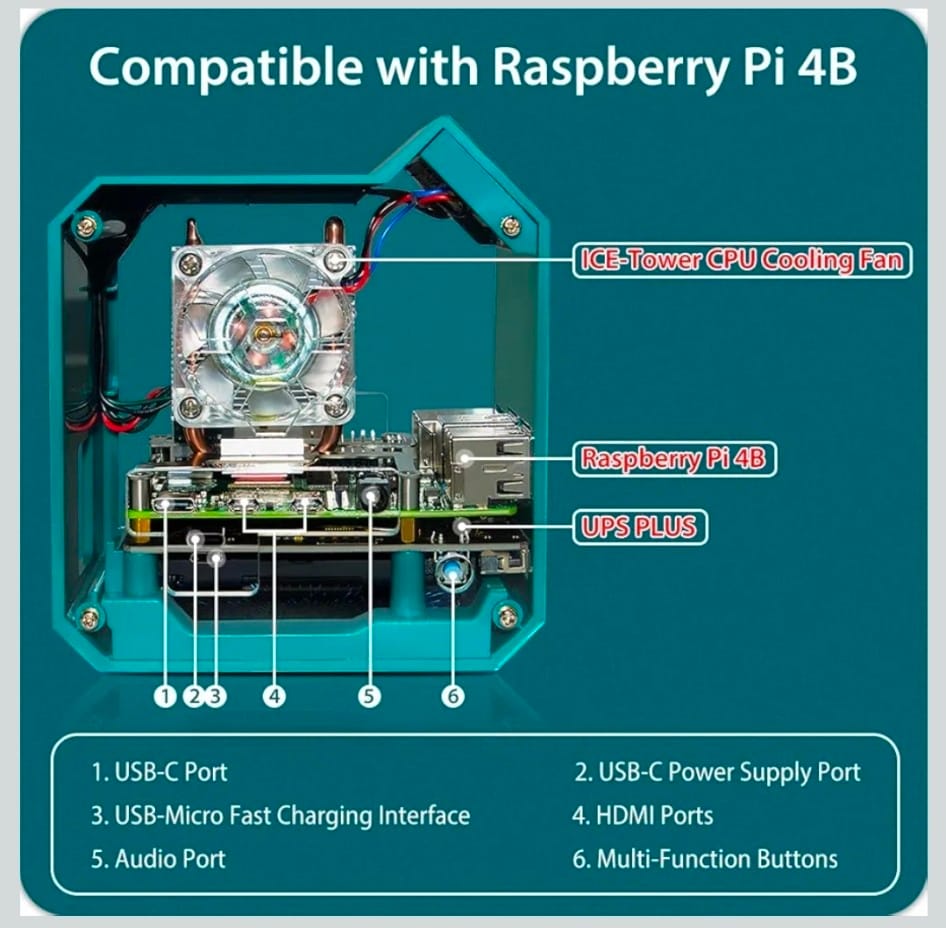
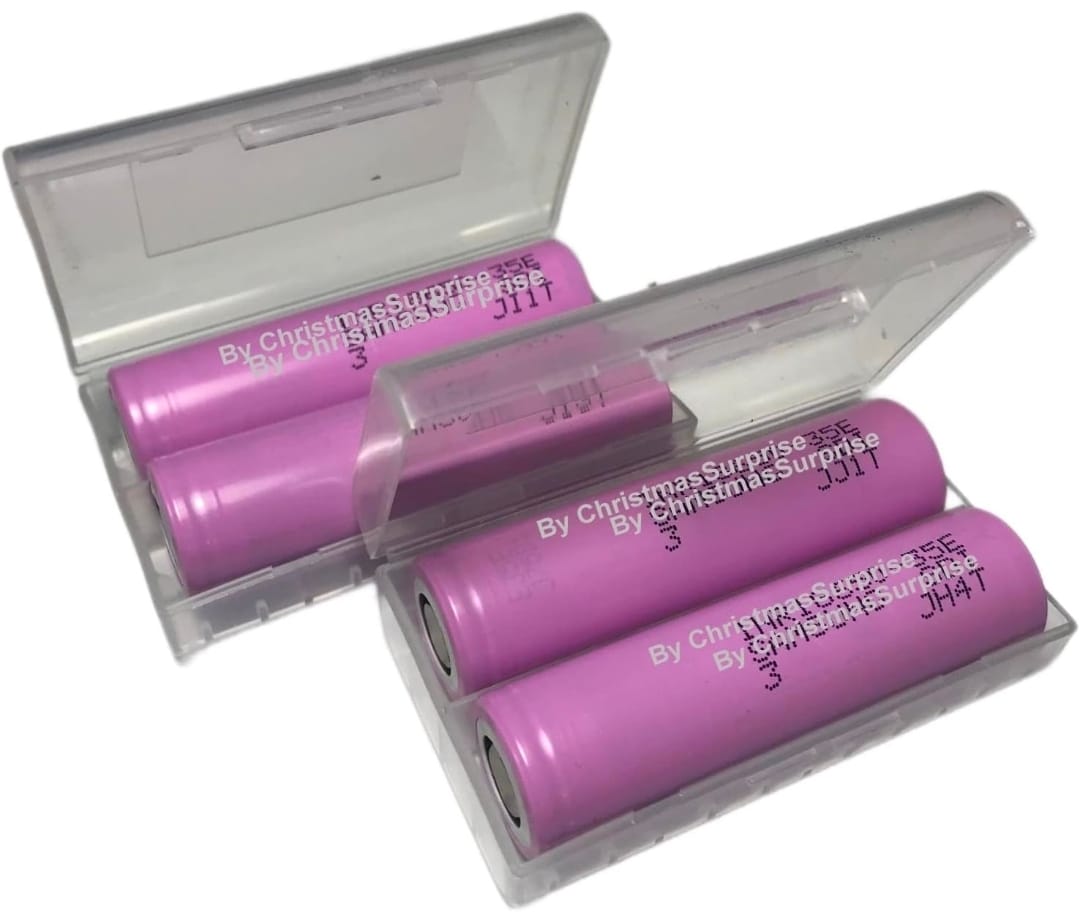
And if you’re building a similar setup, here’s what I used for, case and batteries:

Member discussion: